

AI, Google Workspace & ChatGPT for Everyday Work Productivity
Intermediate
9:00am - 5:00pm (2-Days)
Pre-requisite: No
INTRODUCTION
“AI does not replace humans; rather, humans who know how to use AI will replace those who do not.”
Today’s work environment demands speed, accuracy, and consistency in the preparation of information and communication across multiple channels. Administrative workloads, document preparation, and repetitive digital communications often erode focus on higher-value work.
The emergence of Artificial Intelligence (AI) and generative models such as ChatGPT has created new opportunities to systematically enhance departmental productivity. However, effective use of AI requires a clear understanding of its capabilities, limitations, data security considerations, and proper prompt-writing techniques.
This training program is designed to be practical and task-focused, supporting participants in using AI as a daily work support tool rather than a replacement for human judgment. Emphasis is placed on workflows that are department-agnostic and easily adaptable to organizational needs.
WHO SHOULD ATTEND?
Administrative officers and support staff
Executives and professional support officers
Supervisors, unit heads, and section heads
Managers level
Officers and staff from state agencies or statutory bodies involved in official documentation and formal communications
COURSE OBJECTIVE
Participants will be introduced to the use of Artificial Intelligence (AI) and generative models such as ChatGPT, as well as comparable platforms (Claude, Grok, Gemini), to accelerate and standardize daily office tasks across all departments—whether Administration, Human Resources, Finance/Accounts, Procurement, and others.
The primary focus is on how AI can support the preparation of official letters and memo, meeting minutes, Excel sheets, document and circular summaries, multi-channel announcements (email, portals, WhatsApp), and presentation materials with greater speed and consistency.


LEARNING OUTCOME
Explain and understand the fundamental concepts of generative AI and the use of ChatGPT within the context of government agencies or state corporations, including its benefits, limitations, and data security considerations.
Apply effective prompt techniques to produce and standardize work documents such as official letters, memo, meeting minutes, Excel tables, and presentation materials more efficiently and consistently.
Transform a single informational text into multiple digital communication channels (email, WhatsApp, portal/intranet, and meeting minutes), and develop a reusable departmental prompt library.
Develop a reusable “departmental prompt library” that can be adopted by any unit, enabling a department-agnostic productivity approach that is easily adapted to specific departmental functions.
By the end of the course, participants will :
TRAINING METHODOLOGY
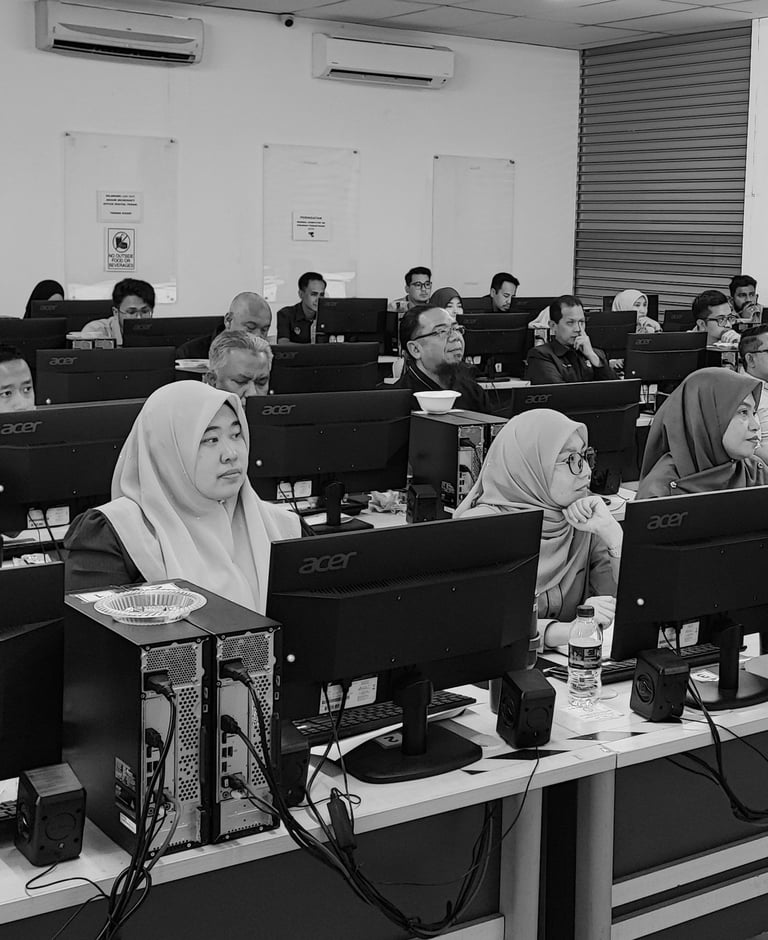
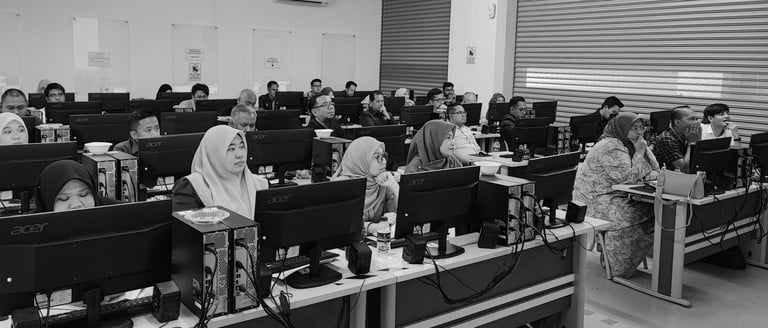
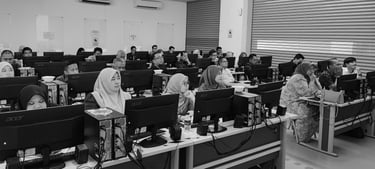
Facilitation of interactive workshops based on real workplace tasks
Group discussions and experience sharing
Repeated hands-on practice sessions
Case studies and simulations of real work scenarios
Use of interactive digital applications such as Kahoot and Mentimeter
COURSE CONTENT
Module 1: Introduction to AI & ChatGPT Fundamentals
Objective: To identify and understand the fundamental concepts of Artificial Intelligence (AI) and commonly used generative AI applications.
History and evolution of AI
How AI works
Understanding generative AI and ChatGPT in the context of government agencies and state corporations
What AI can support (drafting, summarization, translation, formatting)
Limitations and data-related issues: what should not be shared
Core principle: AI generates → humans review
AI security and ethical usage
Module 2: Effective Prompt Techniques
Objective: To enhance workplace productivity through the ability to write clear and effective AI instructions for daily administrative and digital communication tasks.
Prompt structure: Role–Action–Target–Structure (RATS)
Iterative prompting for more accurate results
Prompt strategies: role-play, step-by-step, and few-shot prompting
Sample prompts for administration, communication, and program management
Common prompt-writing mistakes and how to avoid them
Module 3: AI for Workplace Productivity (Microsoft Office + ChatGPT)
Objective: To transform work processes in preparing official documents, monitoring tools, and professional presentations using the power of AI.
Preparing official letters, memo, and meeting notes using AI
Generating action trackers, monitoring lists, and converting text into Excel tables
Creating PowerPoint slide outlines from reports or long-form text
Workflow approach: source text → AI refinement → departmental document
Bonus: Creating full slide decks using Gamma AI
Module 4: Digital Communication with AI
Objective: To master effective digital communication using AI tools.
Drafting professional emails (internal and external)
Writing concise WhatsApp messages (3–4 lines)
Preparing portal/intranet content (50–80 words)
Structuring complete meeting minutes with action items, persons-in-charge (PIC), and due dates
Core concept: one message → multiple channels → action
Module 5: Build a Starter Prompt Library (Team/Department Ready)
Objective: To enable participants to collaboratively develop a ready-to-use starter prompt library by identifying recurring team or departmental tasks and translating them into clear, standardized, and reusable AI prompts.
Identify recurring tasks suitable for AI support
Draft standard prompts for top document types
Group activity: build Prompt Library 1.0 (5–10 prompts per group)
Share + refine prompts for clarity, tone and consistency
Module 6: Advanced AI Workflows & Automation for Knowledge Work
Objective: To enable participants to design end-to-end AI-assisted workflows that reduce manual effort, improve turnaround time, and increase consistency in complex work processes.
Designing multi-step AI workflows (input → processing → output → review)
Chaining prompts for complex tasks (analysis → drafting → refinement)
Using AI for structured thinking: checklists, frameworks, SOPs, decision trees
AI-assisted research and synthesis across multiple documents
Standard workflow patterns for policy papers, reports, proposals, and program documentation
Governance concept: when to automate vs when to retain human judgment
Module 7: Visual Content & Presentation Design with Canva AI
Objective: To equip participants with practical skills to create professional visual materials and presentation content for departmental use using Canva’s generative AI features, while ensuring alignment with brand standards and messaging objectives.
Introduction to Canva AI for image, poster, and presentation creation
Writing effective prompts for visuals: style, audience, message, and format
Designing posters, infographics, and campaign visuals for internal and external communications
Generating presentation slide visuals and outlines directly from text or reports
Editing and refining AI-generated visuals for accuracy, clarity, and corporate consistency
Workflow: concept → AI generation → human review → final departmental asset
Module 8: Capstone Simulation – End-to-End Office Productivity
Objective: To consolidate participants’ learning by applying AI tools in a realistic, time-pressured office scenario, producing integrated outputs across multiple communication channels and document formats.
Simulation inputs: meeting notes, circulars or document extracts, management requests
Outputs required:
Complete meeting minutes with actions, persons-in-charge (PIC), and deadlines
Formal email and WhatsApp update conveying key information
Action tracker in Sheets/Excel format for monitoring tasks
6–8 slide outline ready for presentation
Constraints and conditions:
Time-bound execution to simulate real workplace pressure
Tone and style requirements for official communication
Review and approval workflow to reinforce human oversight and quality control
Group collaboration and peer review to encourage teamwork and iterative improvement
Debrief and discussion to identify best practices, challenges, and lessons learned


Digital Productivity, AI & GenAI at Work
AI, Google Workspace & ChatGPT for Everyday Work Productivity -Fundamental


12-13th January 2026
9:00am - 5:00pm
2-Days
SH insights Services (SA0632854-A)
Level 41, Vista Tower, The Intermark
348, Jalan Tun Razak
50400 Kuala Lumpur
Malaysia
Copyright © 2026 SH-insights. All rights reserved.